


Luxury Diamond Jewelry Template
Part of Diamond Style App Icons
Get this design template & more with:




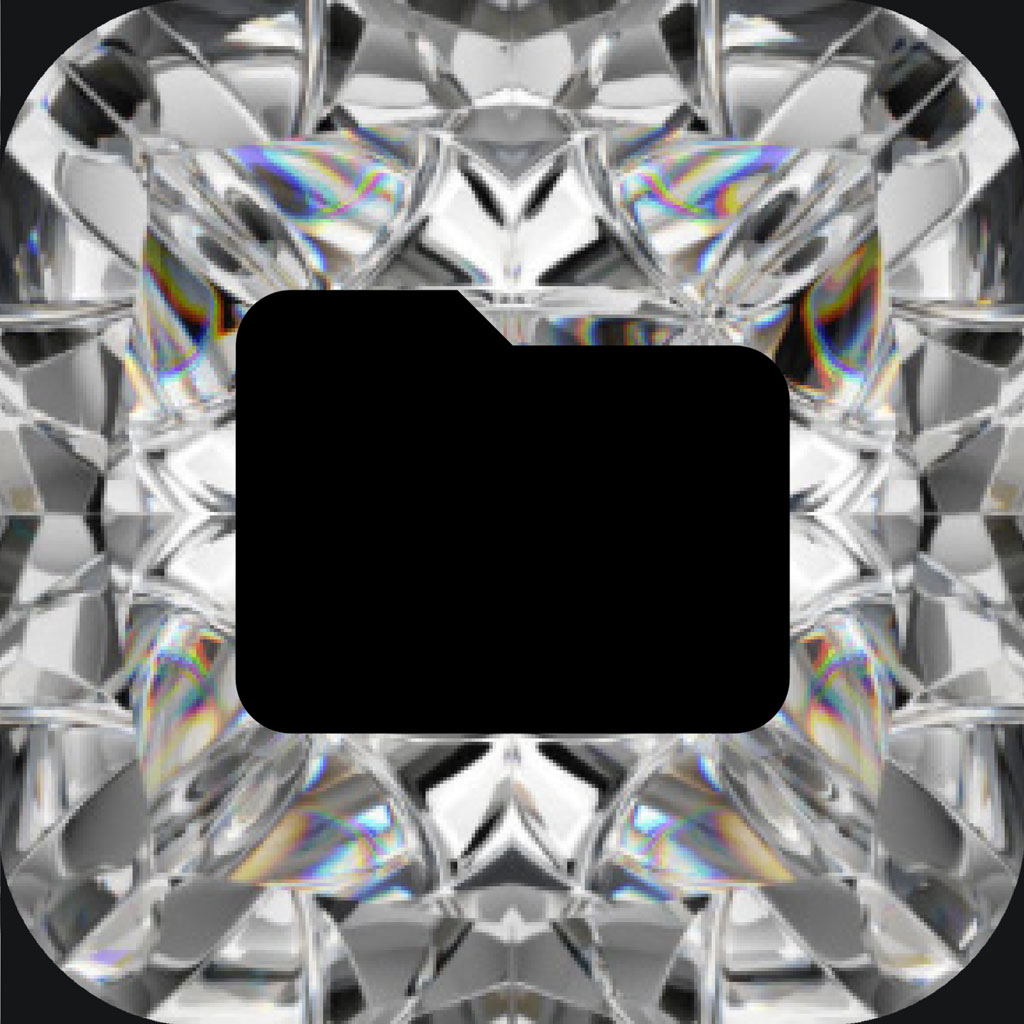
Add a polished, high-end look to your project with this Luxury Diamond Jewelry design template. The image features a square gem-inspired frame with bright faceted details and a dark center space that works well for custom text or a logo. Open it in piZap to personalize the layout, change colors, and add your own message for invitations, social posts, promotional graphics, or boutique branding. This template is especially useful when you want a refined jewelry theme without building the design from scratch. You can also pair it with other design templates to create a matching set for announcements, ads, or product highlights. For more styling options, browse stock backgrounds or stickers inside piZap and build a coordinated luxury look in just a few steps.
More like this
See all




Get this design template & more with:
Keywords
diamond icon template, luxury jewelry design, gem frame template, diamond border graphic, jewelry logo background, elegant square template, shimmering gemstone frame, diamond icon