


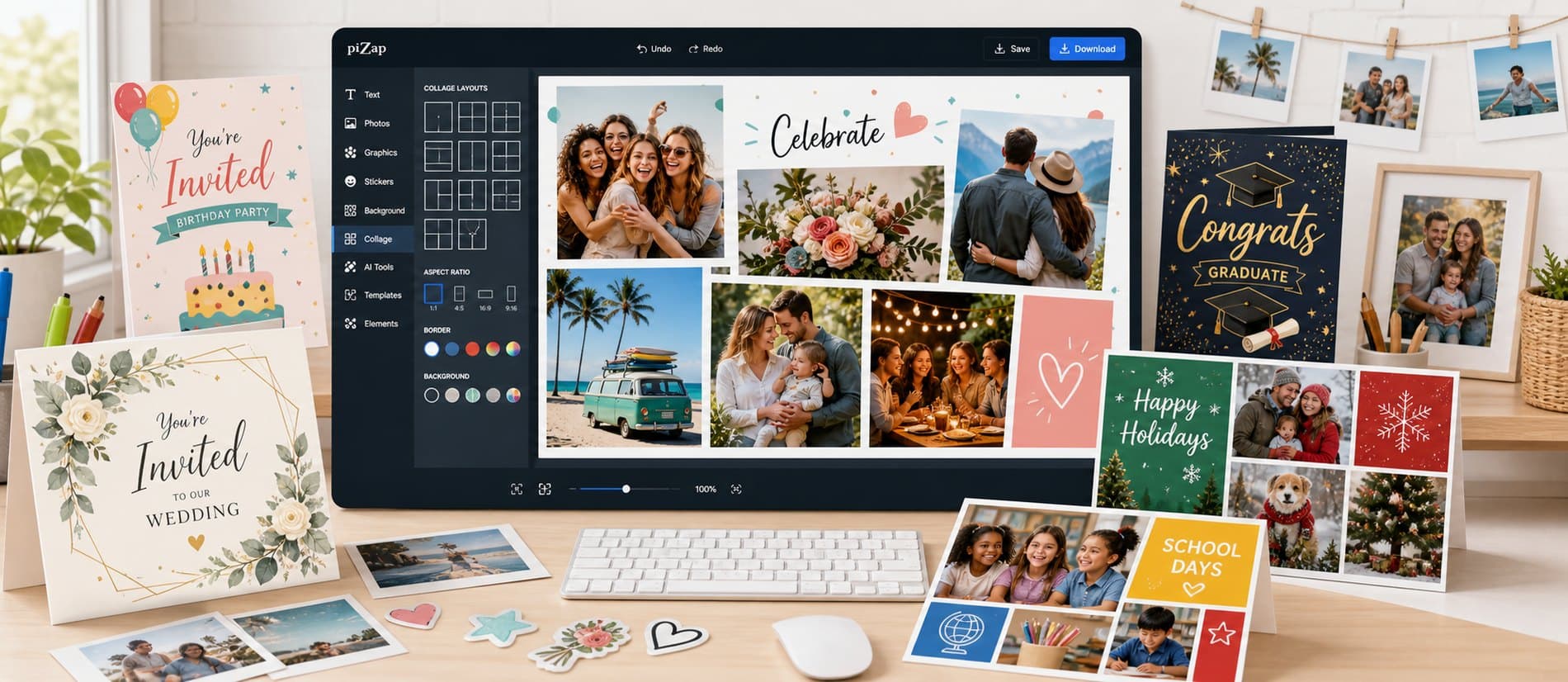
Make a birthday card with a photo of the birthday person, a message in your own words, and stickers that fit their personality. Start from a birthday template or a blank card, build it in the piZap editor, and send it in a chat, post it, or print it at home.
The photo and the name make a card feel personal. Put them at the top, write the message as you would say it, and add balloons or confetti only around the edges.
Age milestones deserve a number. A big 30, 50, or 1st in the center of the card reads as a celebration before anyone opens the message.
Open piZap with the photo and message ready, try a card template and a photo-first layout, and save the one that looks most like them.
Step by step
Make a birthday card in a few minutes
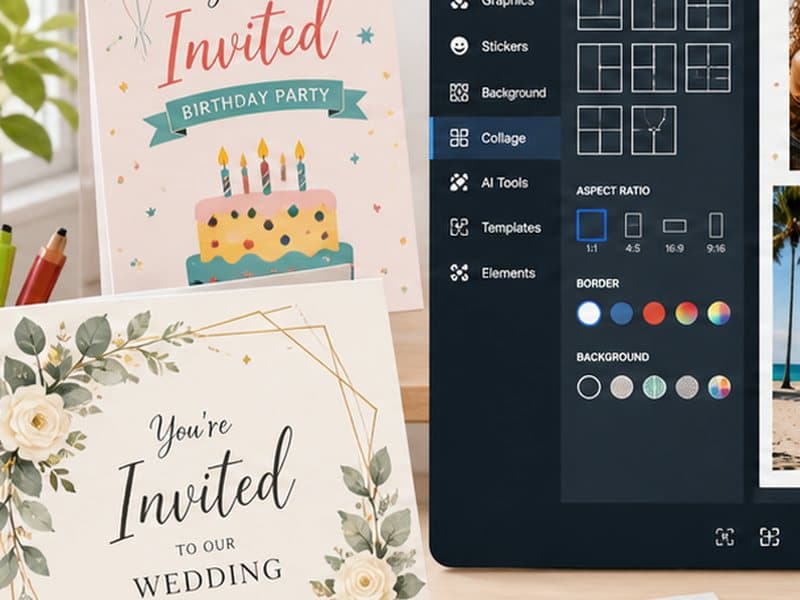
Open piZap and pick a birthday template or a card-sized canvas.
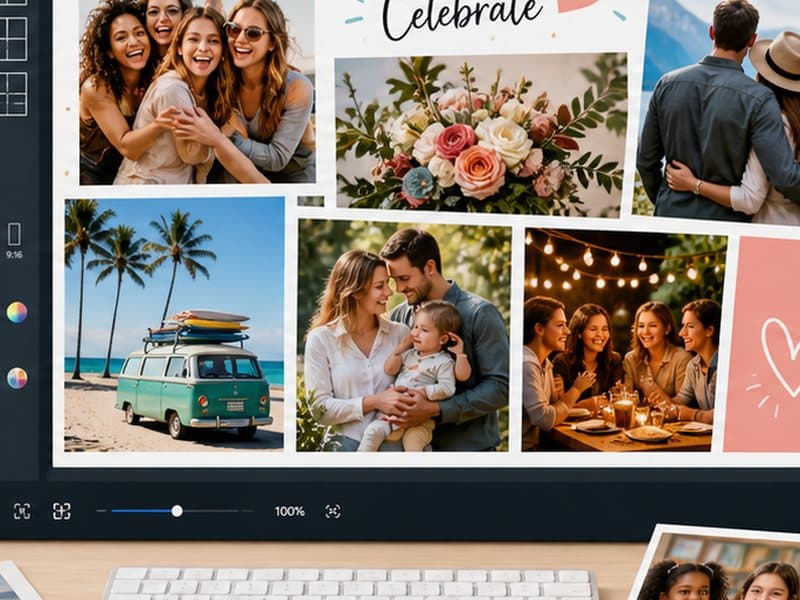
Place the photo and name, write the message, and add a number sticker or a few birthday stickers.

Check it at phone size, save it, and send or print it.
Start with the photo, the name, and the message
Start with the birthday person's photo, their name, and the message you want to send. Pick a birthday template or a card-sized canvas, then add stickers and a background in their favorite colors.
Birthday cards people make
- Photo birthday cards for family and friends
- Milestone cards with a big number
- Kids' birthday cards with cartoon stickers
- Group cards signed by the whole team
Keeping the card personal and readable
- Lead with the photo and the name.
- Write the message in your own words, not a stock greeting.
- Use the person's favorite colors as the background and accent.
- Keep stickers around the edges so the photo stays clear.
- Check the card at phone size, since most cards are opened in a chat.
Build the card in piZap
Open piZap, choose a birthday template or a card-sized canvas, place the photo and name, and write the message. Add a number sticker for milestones and a few birthday stickers, then save it to send or print.
Birthday templates, stickers, and backgrounds
Ready when you are
Bring your idea to life in piZap
Open the editor with your idea or image, try a few directions, and shape the result until it feels ready for the people and place you have in mind.