


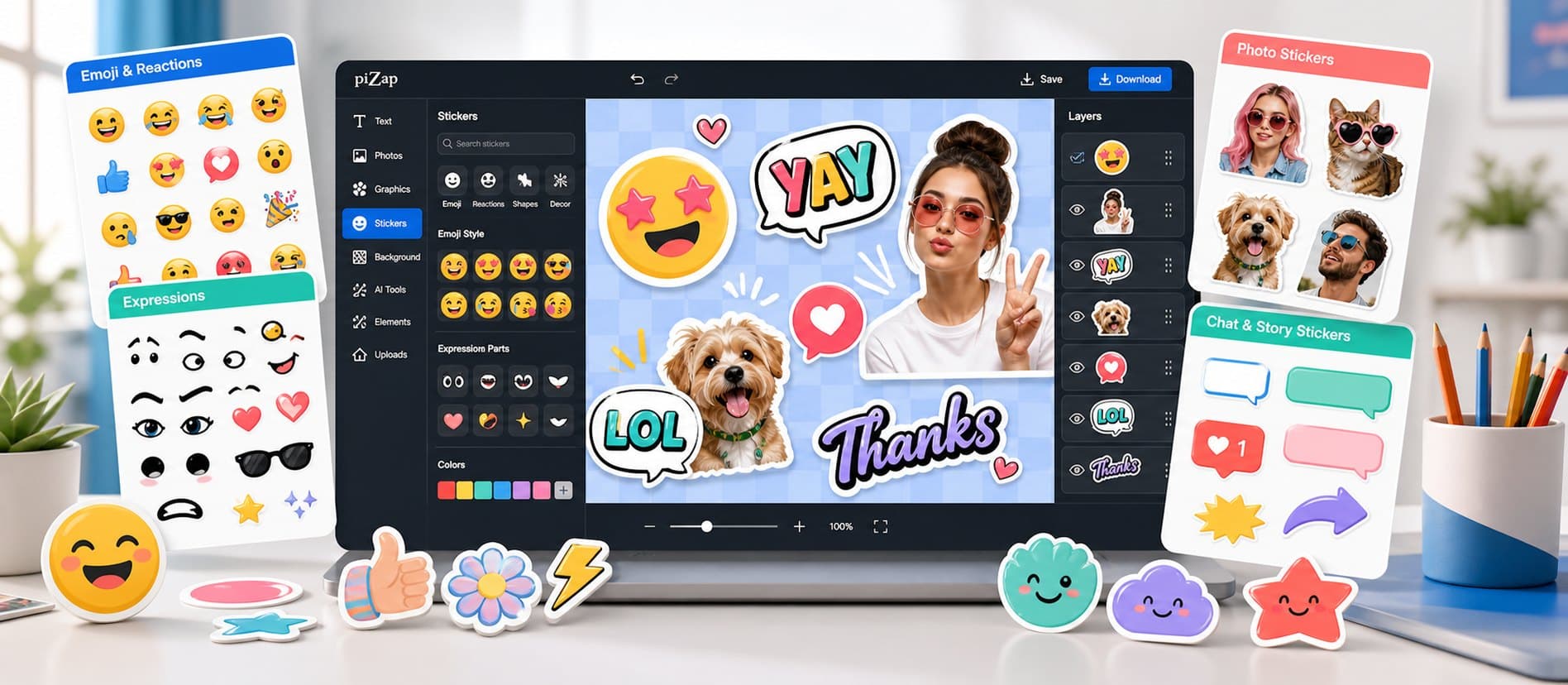
Make emoji for your Discord server that still read at chat size. Build a face from piZap's emoji parts or cut out your server mascot, keep the shapes big and the colors few, and save a square image to upload in your server settings.
Discord shows custom emoji small, so a bold silhouette matters more than detail. Upload a square image; Discord recommends 128 × 128 pixels and keeps each file under 256 KB.
Servers remember emoji that match: same outline, same palette, one base face with different expressions.
Open piZap with the reaction in mind, build it, preview it tiny, and save it square.
Step by step
Make an emoji for your server
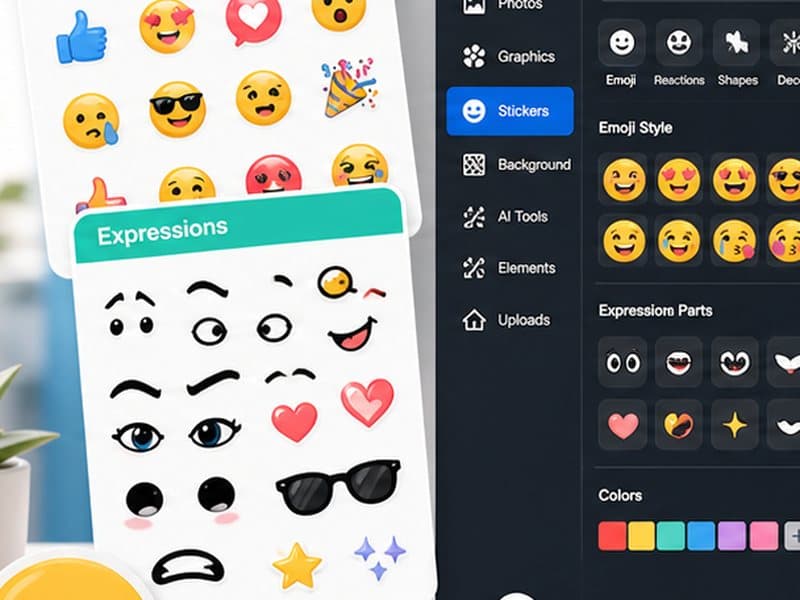
Open piZap on a square canvas and build a face from emoji parts or a mascot cutout.
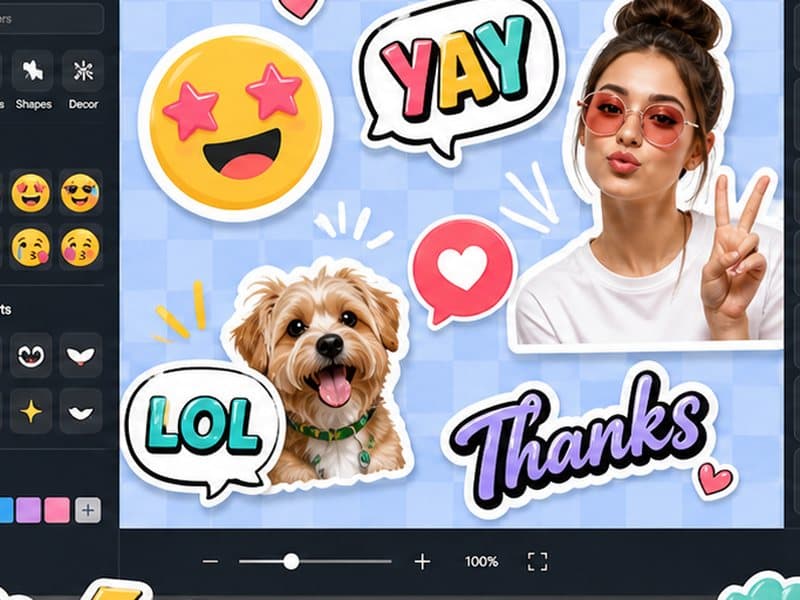
Keep one clear expression, big shapes, and a thick outline.
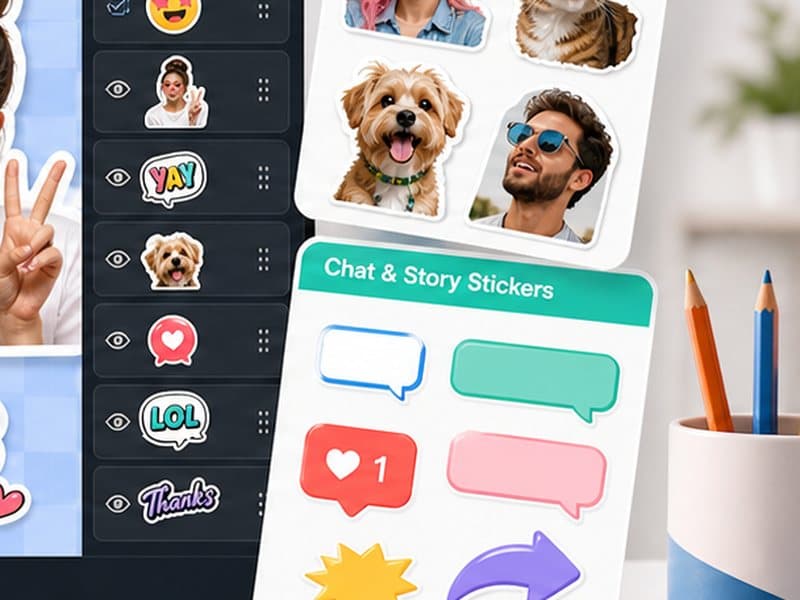
Save it square, then upload it in your Discord server's emoji settings.
Start with the reaction your server needs
Start with the reaction your server keeps asking for, then build it from a blank emoji body, eyes, a mouth, and maybe a prop.
Server emoji people make
- Reaction emoji for your community
- Mascot emoji from a cutout
- Role and event emoji
- A matching set of moods
What keeps an emoji readable in chat
- Exaggerate one feature per emoji.
- Use a square canvas and a thick outline.
- Keep colors to two or three.
- Preview at a tiny size; simplify anything that blurs.
- Keep the base face consistent across the set.
Build it in piZap, upload it to your server
Open piZap, place a blank emoji body or a mascot cutout, add the expression, and save it as a square image. Upload it in your server's emoji settings.
Emoji parts and collections
Ready when you are
Bring your idea to life in piZap
Open the editor with your idea or image, try a few directions, and shape the result until it feels ready for the people and place you have in mind.