


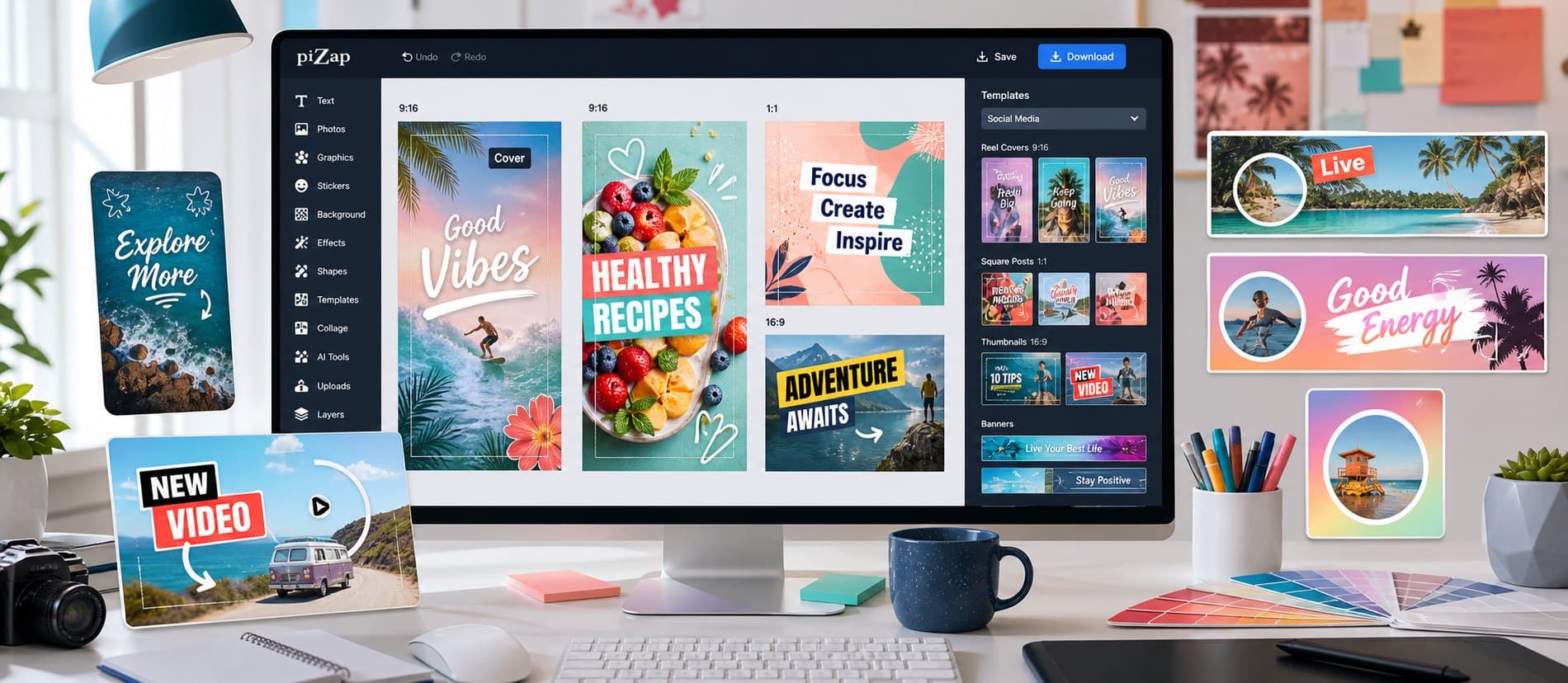
In piZap, you can create story graphics with vertical layouts and visual effects. Start with a social template, uploaded image, channel asset, or blank canvas, choose a direction, and keep shaping it until it feels right for the final use.
Lead with the part people should notice first. From there, use social templates, image crops, type controls, stickers, backgrounds, and layout options to add personality, clarify the message, and keep the whole design feeling connected.
Use a vertical composition with the important face, product, or title near the center so the design survives preview crops.
When you are ready to create, open piZap with one example direction in mind. Try a few variations, compare what works, and save the version that best fits your audience and format.
Step by step
From first idea to finished design
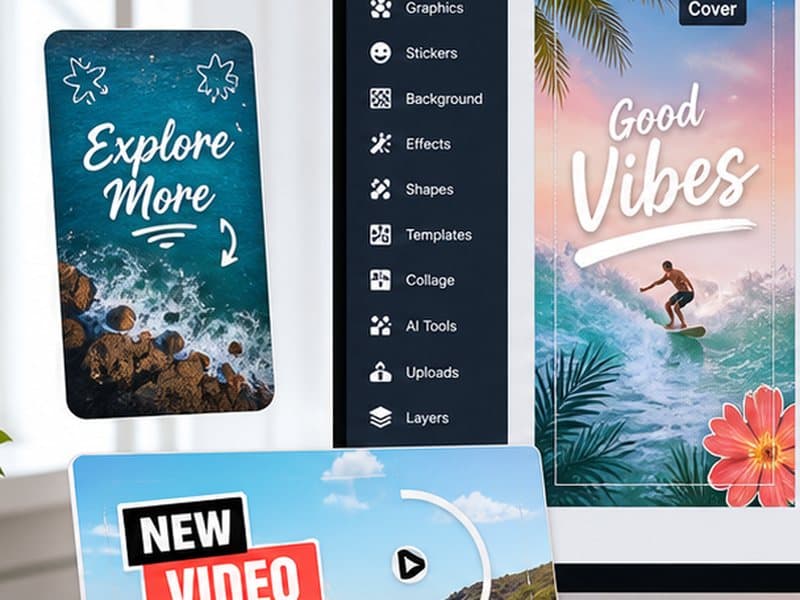
Start with a social template, uploaded image, channel asset, or blank canvas. Choose a template or canvas that matches where the finished design will appear.
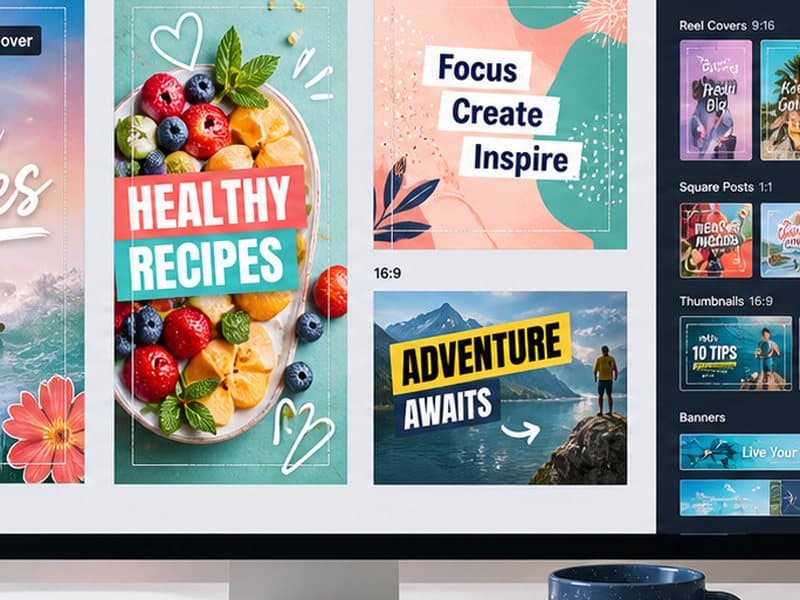
Build the main visual around the part people should notice first. Add your photo or idea, set the crop, write concise text, and use social templates, image crops, type controls, stickers, backgrounds, and layout options where they improve the design.
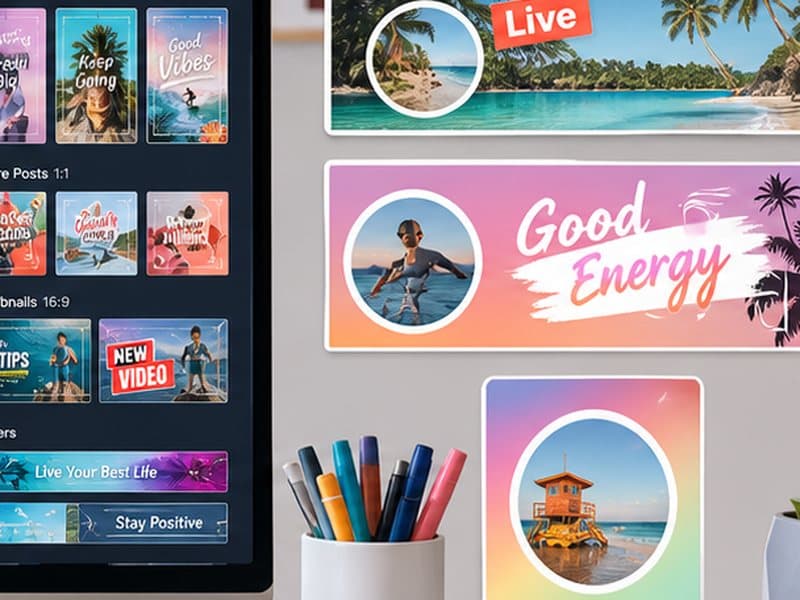
Review the result at the size people will actually see it, then save it or adapt another version for a related format.
Start with what you want to make
Begin with a social template, uploaded image, channel asset, or blank canvas, choose the direction that feels most promising, and shape it around where the finished design will be shared, posted, printed, or saved. You can refine the details as the idea takes shape.
Make it your own
- Video covers
- Channel banners
- Feed posts
- Profile graphics
Details that make the design work
- Use a vertical composition with the important face, product, or title near the center so the design survives preview crops.
- Use one dominant visual so the graphic reads quickly on small screens.
- Keep title text short and high contrast.
- Leave breathing room around faces, logos, and important words.
- Create a repeatable color and type style if the page, channel, or series needs to feel consistent.
Bring it together in piZap
Use a vertical composition with the important face, product, or title near the center so the design survives preview crops. Open a template or bring your own image into piZap, make the main creative choice first, and then add text, stickers, effects, or backgrounds where they help the idea come through.
Keep creating with piZap
Ready when you are
Bring your idea to life in piZap
Open the editor with your idea or image, try a few directions, and shape the result until it feels ready for the people and place you have in mind.
Create with piZap