


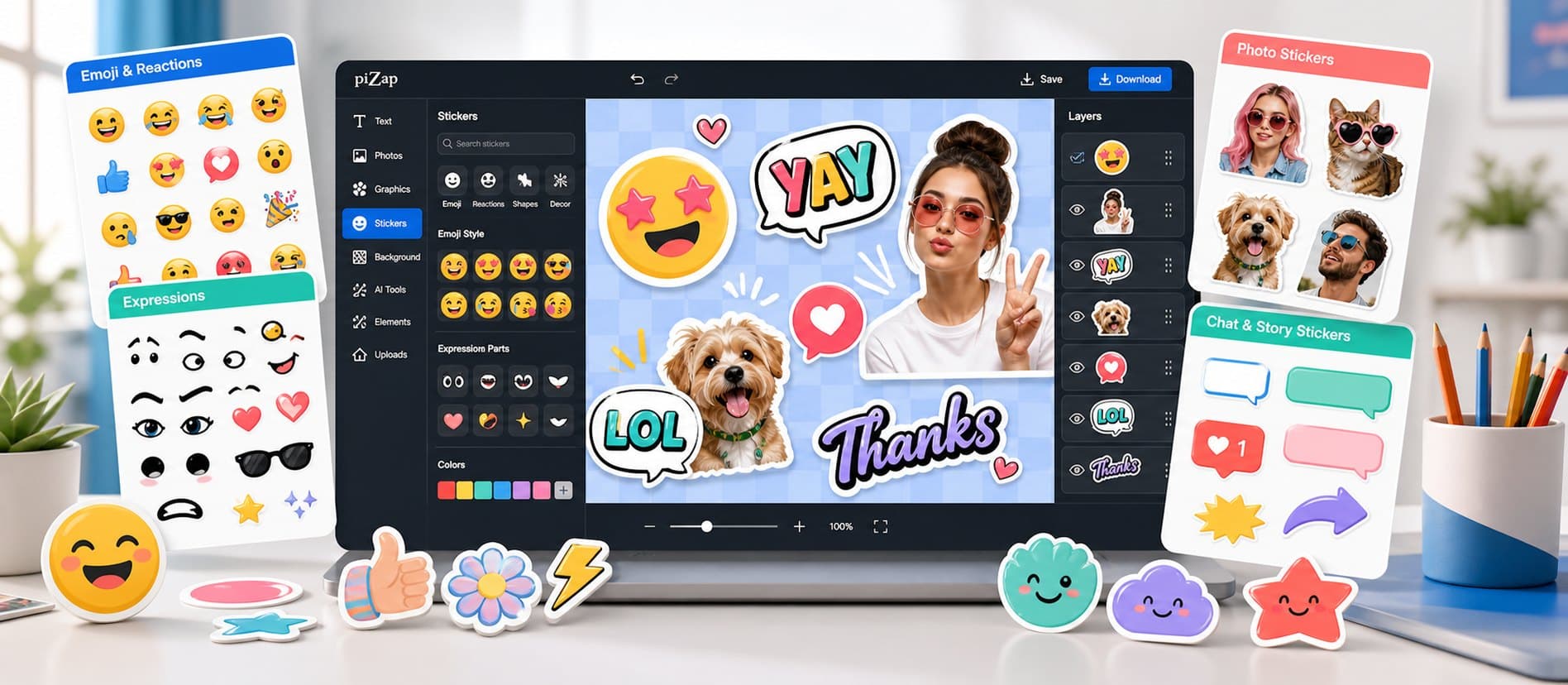
Build an emoji from scratch for the reaction that does not exist yet: the specific eye-roll, the exact level of excitement, the inside joke. Combine piZap's emoji eyes, mouths, hands, and hats on a blank body, or start from your own face, and save the result for chats and posts.
The strongest custom emoji exaggerate one feature. Oversized eyes for surprise, a wide flat mouth for 'meh', a single raised brow for doubt.
Keep the base body and outline the same across your set so new emoji look like they belong with the ones you already made.
Open piZap with one reaction in mind, build it from parts, and preview it small before you save.
Step by step
Put together an emoji from parts
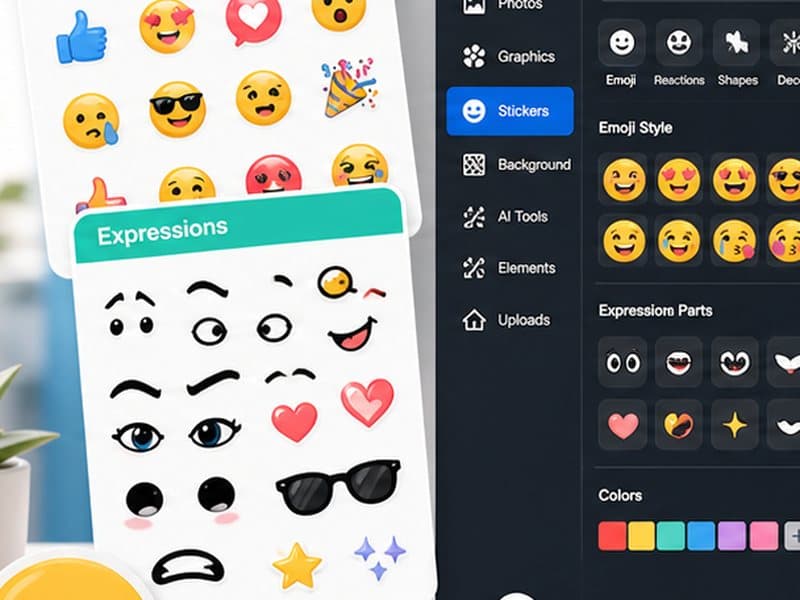
Open piZap and place a blank emoji body on a square canvas.
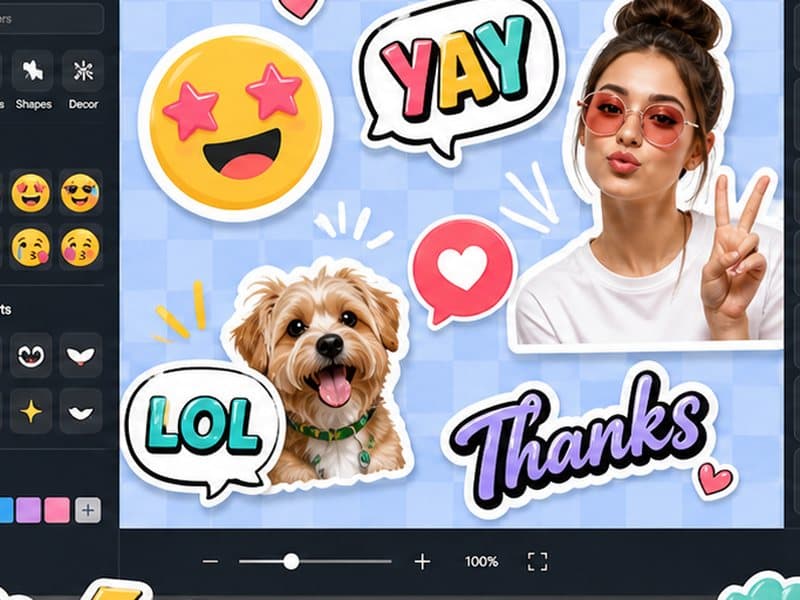
Add eyes and a mouth that show one clear reaction, then a hand or prop only if it helps.
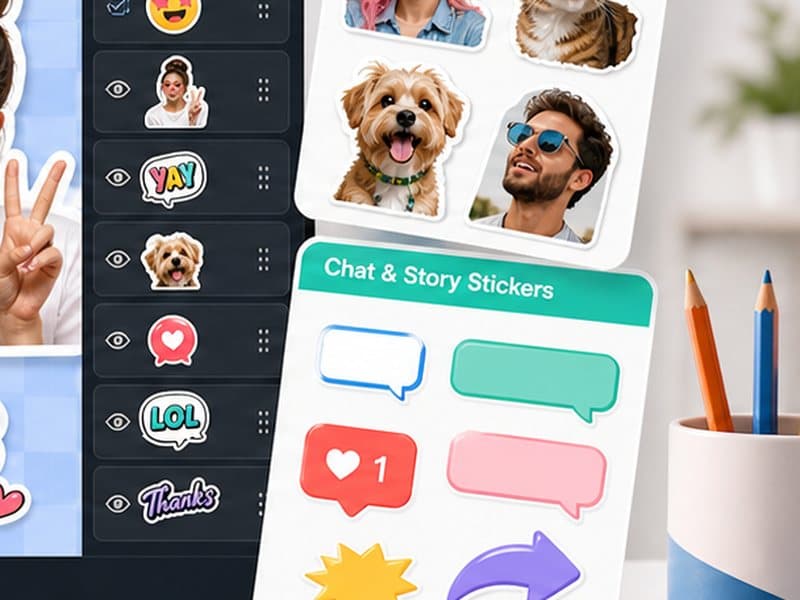
Preview it small, save it, and reuse the same base for the next one.
Start with the reaction, not the parts
Start with the reaction you want to send, then pick the body, eyes, and mouth that show it. Add hands or a prop only if the expression needs help.
Emoji worth making yourself
- The specific reaction your group chat keeps describing in words
- A personal avatar emoji with your hair and glasses
- Seasonal emoji with hats and props
- A set of moods with one base face
Small choices that make an emoji land
- Exaggerate one feature per emoji.
- Keep the body and outline consistent across a set.
- Use hands and props sparingly.
- Check contrast against both light and dark chat backgrounds.
- Preview small; if the expression is unclear, simplify it.
Assemble the parts in piZap
Open piZap, place a blank emoji body, and add eyes, a mouth, and any hands or props from the emoji parts. Adjust until the expression is obvious at a small size, then save it.
Emoji parts to build from
Ready when you are
Bring your idea to life in piZap
Open the editor with your idea or image, try a few directions, and shape the result until it feels ready for the people and place you have in mind.