


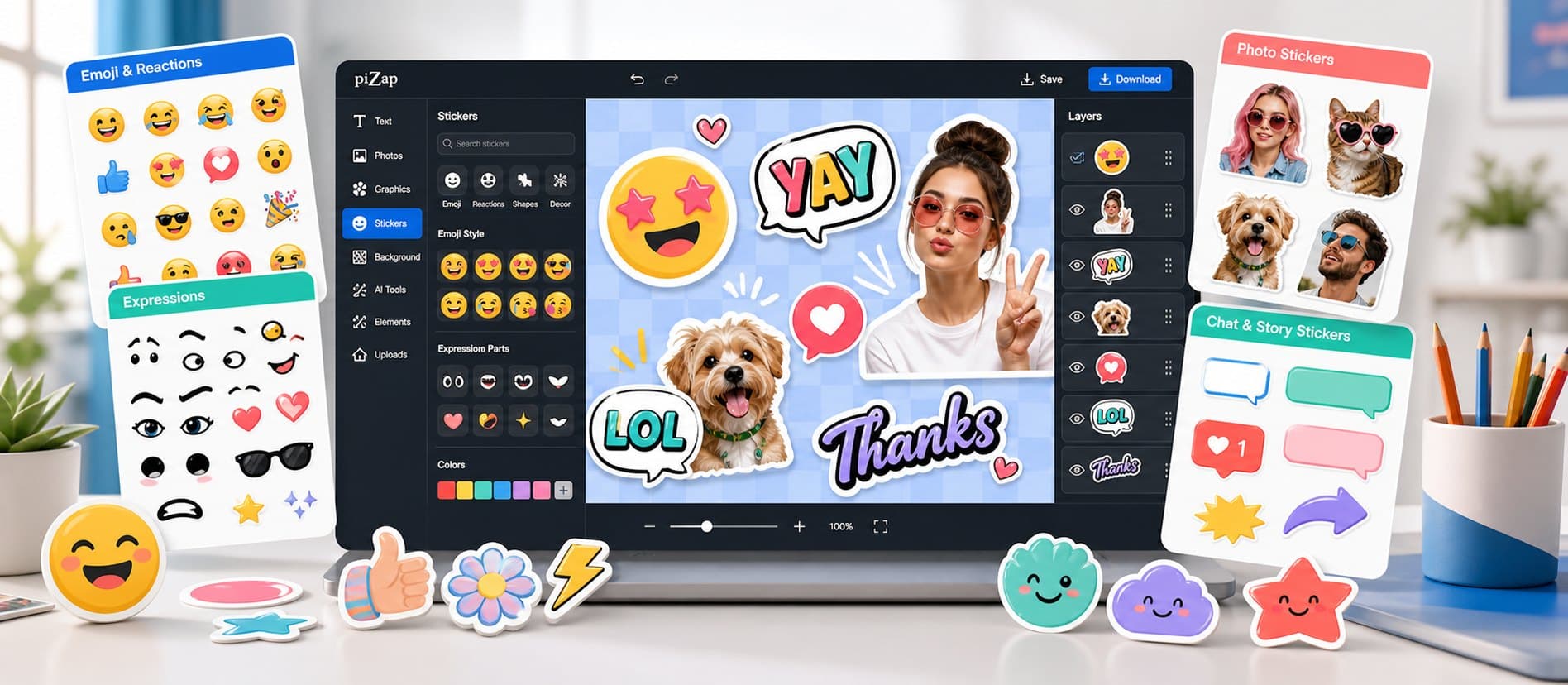
In piZap, you can design custom stickers for stories, collages, profiles, and messages. Start with a sticker category, emoji expression, uploaded photo, or simple graphic idea, choose a direction, and keep shaping it until it feels right for the final use.
Lead with the part people should notice first. From there, use sticker assets, emoji parts, cutout-style graphics, color tools, text, and photo uploads to add personality, clarify the message, and keep the whole design feeling connected.
Design stickers and emoji with a strong silhouette so they still read clearly when displayed small.
When you are ready to create, open piZap with one example direction in mind. Try a few variations, compare what works, and save the version that best fits your audience and format.
Step by step
From first idea to finished design
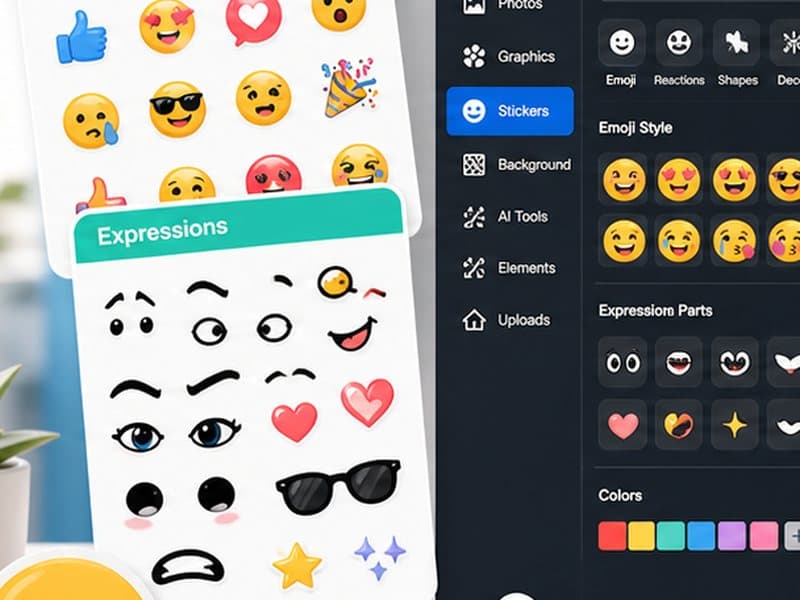
Start with a sticker category, emoji expression, uploaded photo, or simple graphic idea. Choose a template or canvas that matches where the finished design will appear.
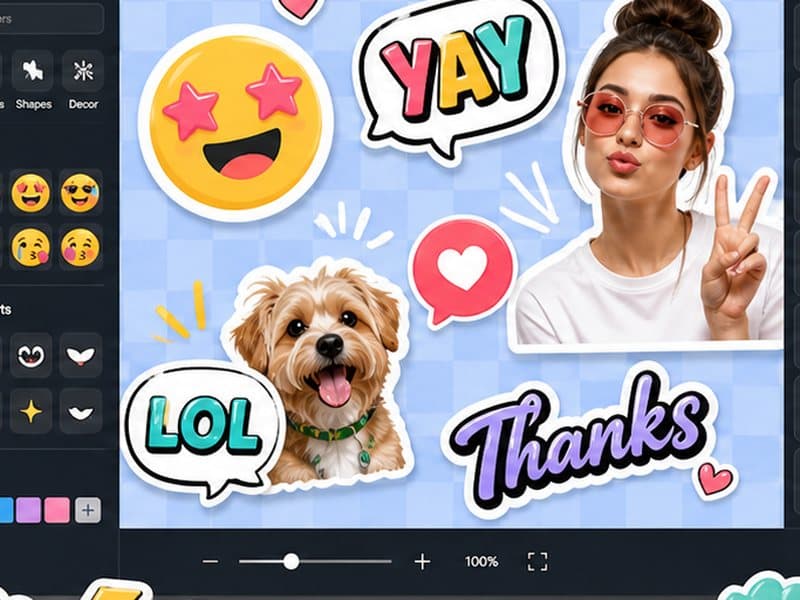
Build the main visual around the part people should notice first. Add your photo or idea, set the crop, write concise text, and use sticker assets, emoji parts, cutout-style graphics, color tools, text, and photo uploads where they improve the design.
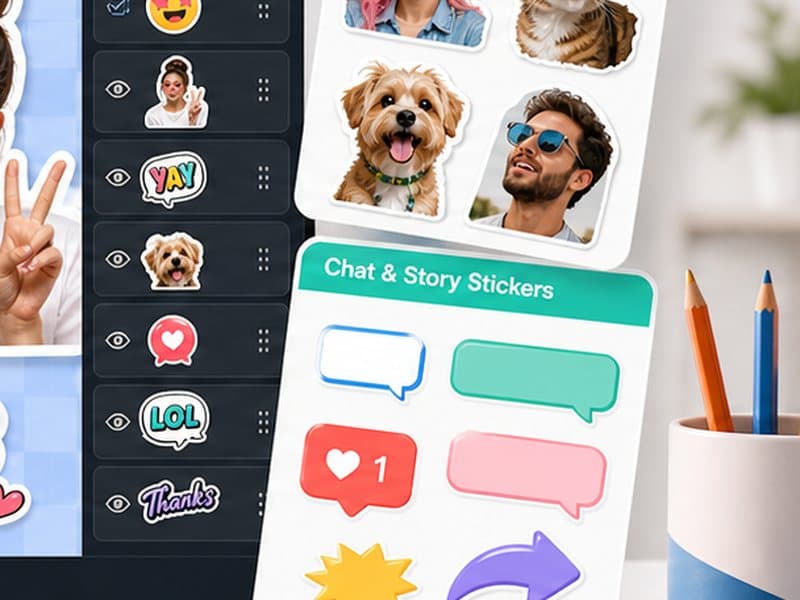
Review the result at the size people will actually see it, then save it or adapt another version for a related format.
Start with what you want to make
Begin with a sticker category, emoji expression, uploaded photo, or simple graphic idea, choose the direction that feels most promising, and shape it around where the finished design will be shared, posted, printed, or saved. You can refine the details as the idea takes shape.
Make it your own
- Reaction stickers
- Story overlays
- Emoji-style graphics
- Photo cutout stickers
Details that make the design work
- Design stickers and emoji with a strong silhouette so they still read clearly when displayed small.
- Use bold shapes and simple expressions.
- Avoid tiny words unless the sticker will be used at a large size.
- Repeat a color palette if you are making a set.
- Preview the graphic on a light and dark background before saving.
Bring it together in piZap
Design stickers and emoji with a strong silhouette so they still read clearly when displayed small. Open a template or bring your own image into piZap, make the main creative choice first, and then add text, stickers, effects, or backgrounds where they help the idea come through.
Keep creating with piZap
Ready when you are
Bring your idea to life in piZap
Open the editor with your idea or image, try a few directions, and shape the result until it feels ready for the people and place you have in mind.
Create with piZap