


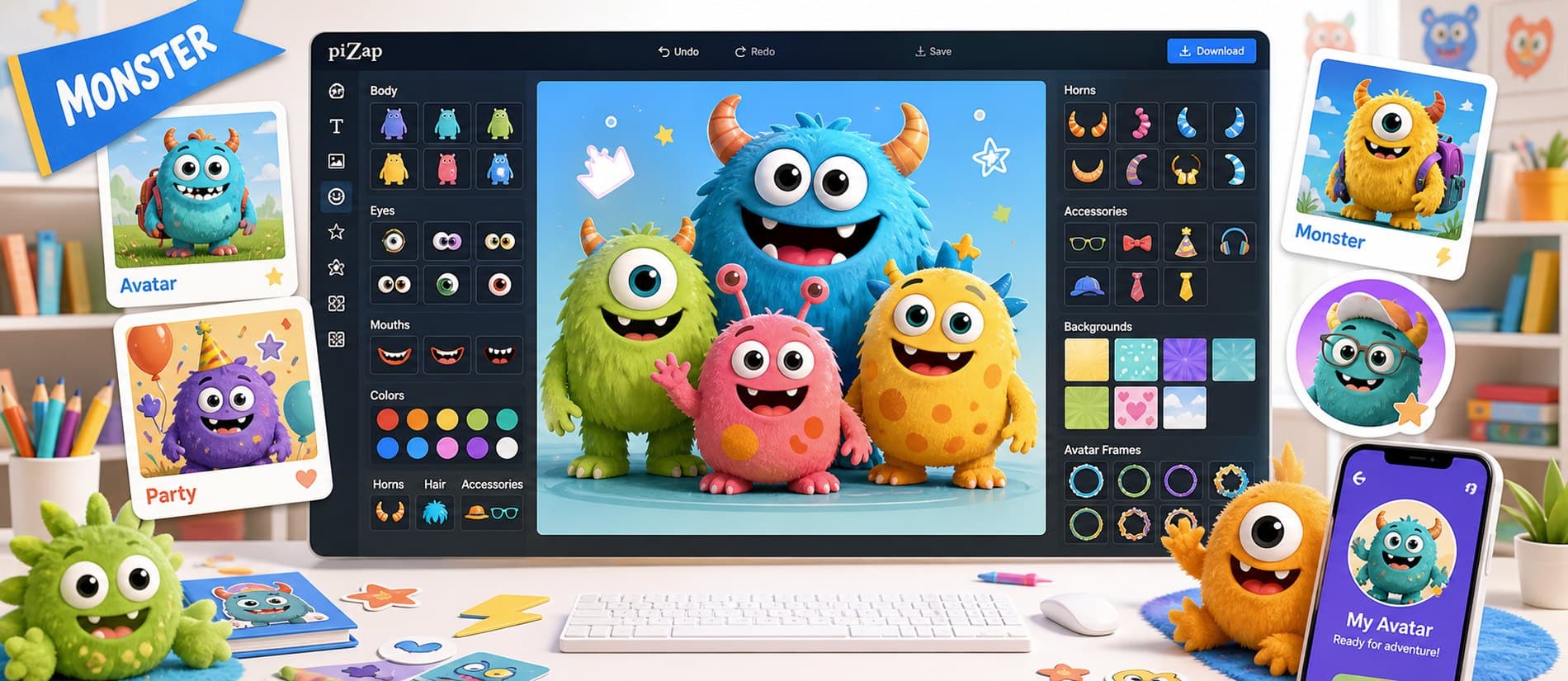
Build a monster avatar from piZap's monster parts: pick a body, add eyes, a mouth, horns, arms, and wings, and choose colors that make it yours. Crop it square for a profile picture or keep it as a sticker for chats and posts. It is free to start in the editor, and the Monster Maker app does the same on iPhone.
An avatar is seen small and round. Give the monster one big expression, a clear outline, and a background color that separates it from the face.
Use the same body shape across a family of monsters and change only eyes, colors, and accessories; it makes a matching set for friends or a classroom.
Open piZap with a color in mind, pick a body, build the face, and preview the avatar inside a circle before you save.
Step by step
Build a monster avatar
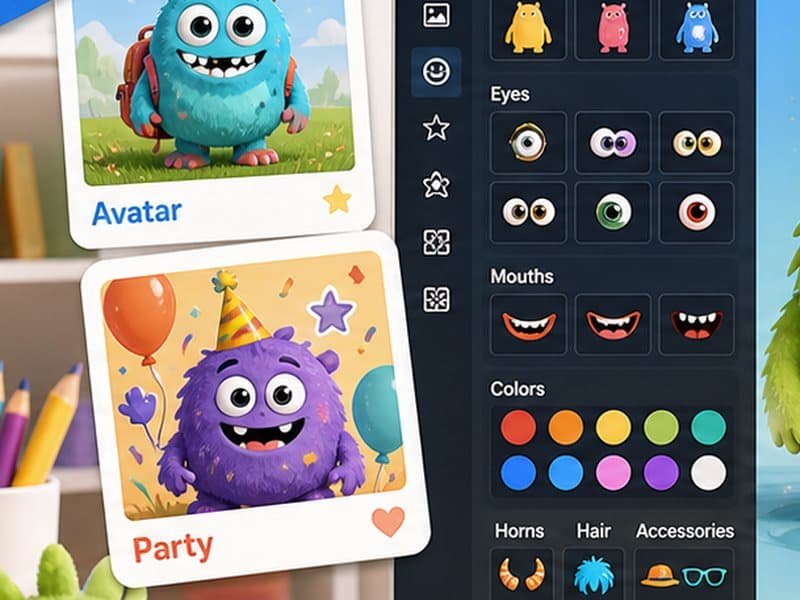
Open piZap and place a monster body on a square canvas.
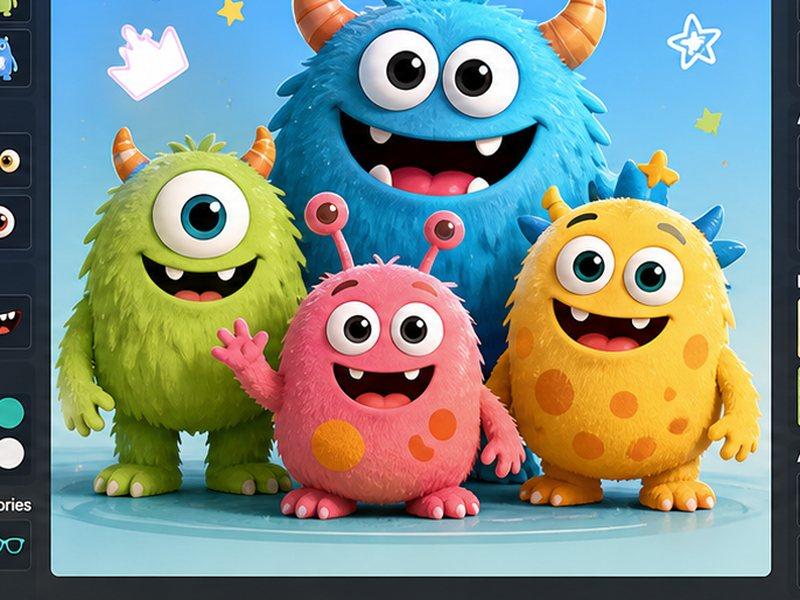
Add eyes, a mouth, and one or two accessories, then set two or three colors.
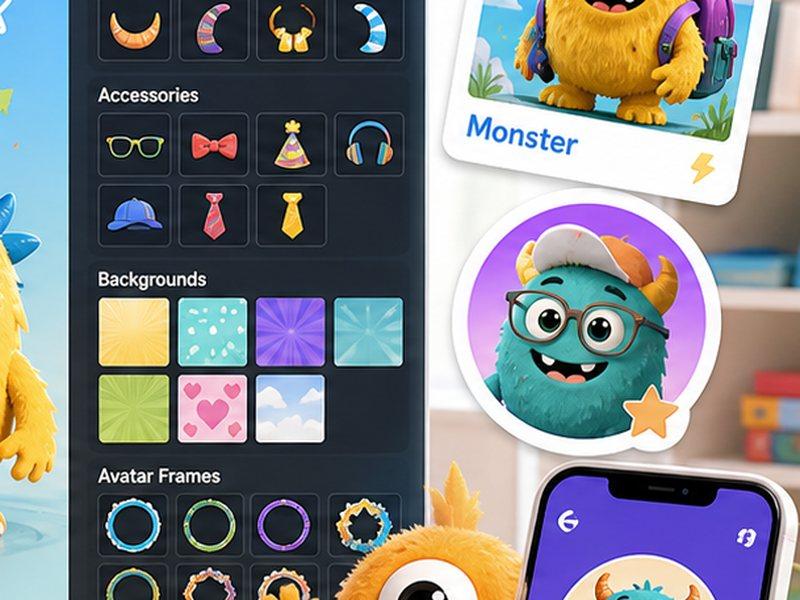
Crop it square, check the circle preview, and save it as your avatar.
Pick a body and a personality
Start with a body shape and a personality: grumpy, goofy, sleepy, fierce. Add eyes and a mouth that show it, then one or two accessories, and pick colors last.
Monster avatars people make
- Profile pictures for games and chats
- Mascot avatars for a team or a class
- Matching monster sets for friends
- Monster stickers from the same character
Making an avatar read in a small circle
- Choose one big expression.
- Keep a thick outline so the avatar separates from any background.
- Use two or three colors.
- Preview the avatar in a circle crop.
- Save a square version for profiles and a cutout for stickers.
Build it in piZap
Open piZap, place a monster body, add eyes, a mouth, horns, arms, or wings from the monster parts, and set the colors. Crop it square, check the circle preview, and save.
Monster parts and collections
Ready when you are
Bring your idea to life in piZap
Open the editor with your idea or image, try a few directions, and shape the result until it feels ready for the people and place you have in mind.