


Dental Appointment Card
Part of Appointment Card
Get this design template & more with:




Available sizes
Dental Appointment Card comes in one size.
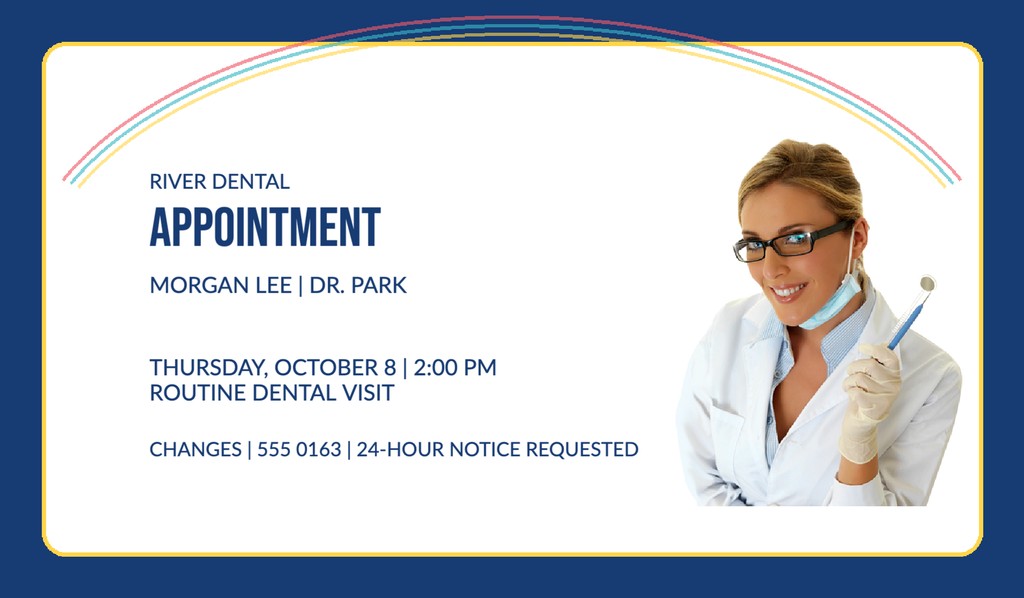
This dental appointment card template is built for a simple patient reminder with a clean landscape layout. It includes space for the clinic name, patient name, provider, service, date, time, and change instructions, making it easy to share appointment details at a glance. The design uses a compact card format with a professional blue theme and a dentist image on the right for a polished medical look. Open it in piZap to personalize the text, colors, images, and layout for your office. It’s a practical choice for creating a quick appointment reminder, front desk handout, or booking card for patients. You can also pair it with other design templates, stock backgrounds, or stickers in piZap to match your brand style.
More like this
See all

Get this design template & more with:
Keywords
dental appointment card, dentist appointment reminder, dental booking card, patient appointment template, dental office card, landscape appointment ticket, patient reminder card, appointment change instructions