

Incognito Mode Icon Sticker
Part of Accessories
Incognito Mode Icon Sticker
Part of Accessories
Get this graphic or sticker & more with:




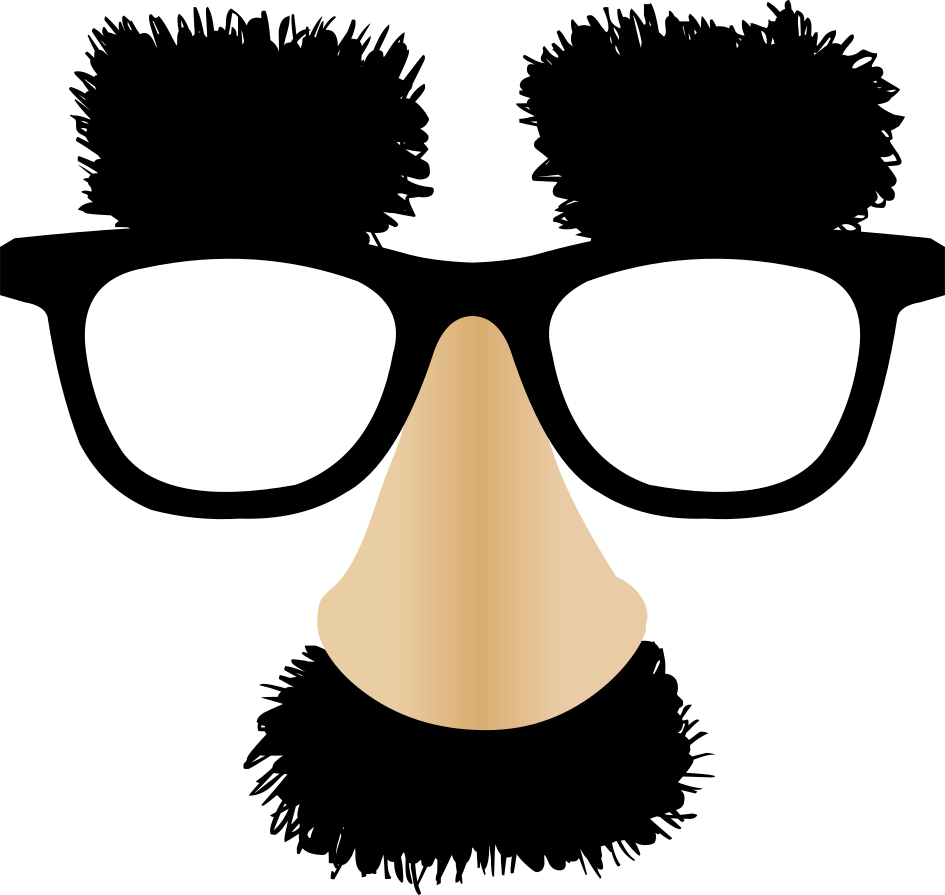
Add a quick disguise-themed accent to your project with this incognito mode icon sticker. The graphic shows a simple pair of white glasses with a beige nose shape, making it a fun choice for privacy jokes, anonymous characters, or playful meme edits. Open it in piZap and place it over photos, cards, or social posts to create a humorous “hidden identity” look in just a few clicks. It also works well when you want to build a themed scene using design templates or combine it with other stickers for a custom collage. Whether you are making a reaction image, a profile-style graphic, or a lighthearted card, this sticker gives you a clean and recognizable disguise symbol that is easy to use in browser-based editing.
More like this
See all





Get this graphic or sticker & more with:
Keywords
incognito mode icon, disguise sticker, sunglasses sticker, glasses graphic, privacy icon, costume face sticker, meme overlay, sticker graphic